ROS Action Client
03_02_ros_action_client.ipynb
- Running the cell codeCtrl + Enter
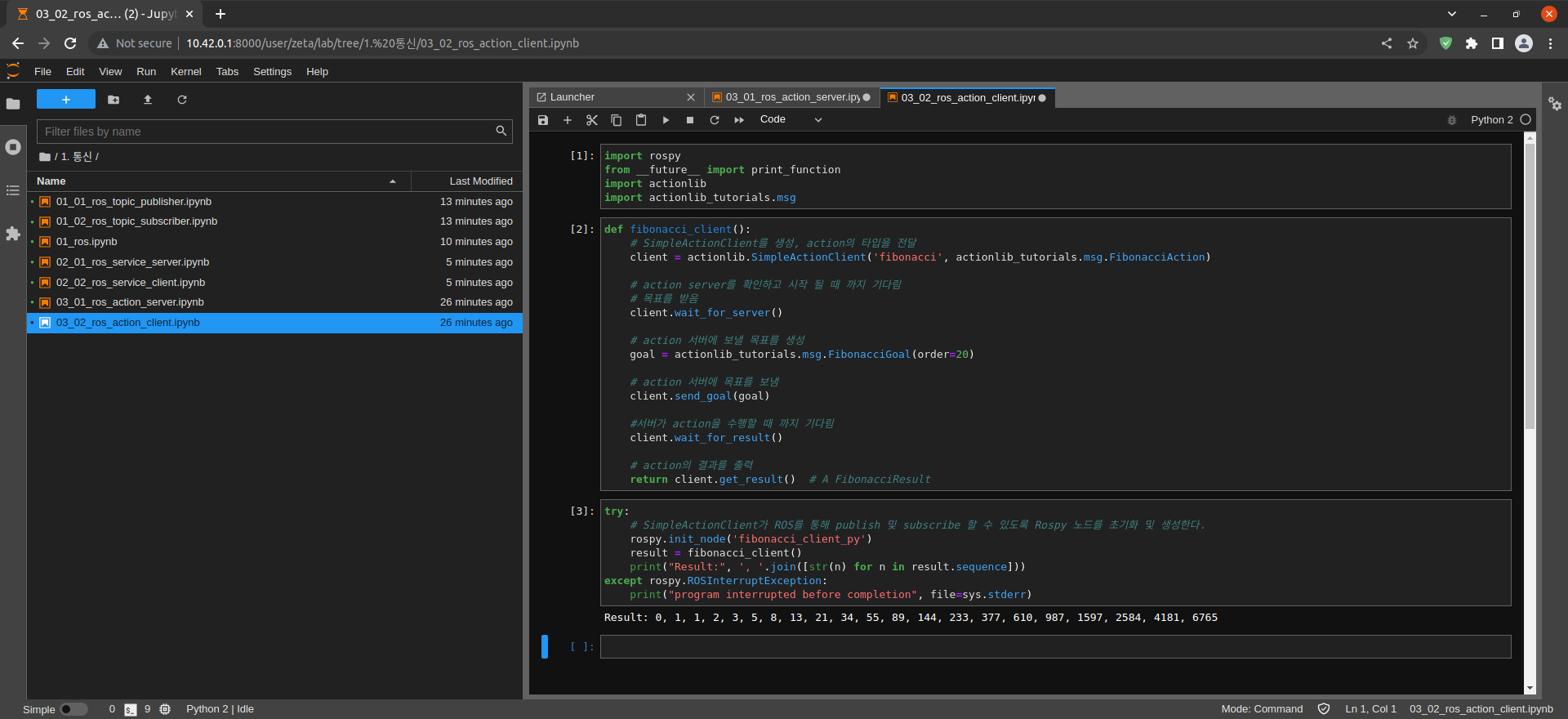
import rospy
from __future__ import print_function
import actionlib
import actionlib_tutorials.msg
Import rospy modules
Import print_function from __future__ module for Python3 compatibility
Import the actionlib and actionlib_tutorials.msg modules
def fibonacci_client():
# Create SimpleActionClient and pass action type
client = actionlib.SimpleActionClient('fibonacci', actionlib_tutorials.msg.FibonacciAction)

# Check the action server and wait for it to start
# get the target
client.wait_for_server()

# create a target to send to the action server
goal = actionlib_tutorials.msg.FibonacciGoal(order=20)

# Send target to action server
client.send_goal(goal)

# Wait for the server to perform an action
client.wait_for_result()

# output action results
return client.get_result()  # A FibonacciResult
Create fibonacci_client() function
try:
    # Initialize and create a Rospy node so SimpleActionClient can publish and subscribe through ROS.
    rospy.init_node('fibonacci_client_py')
    result = fibonacci_client()
    print("Result:", ', '.join([str(n) for n in result.sequence]))
except rospy.ROSInterruptException:
    print("program interrupted before completion", file=sys.stderr)
Create fibonacci_client_py Action Node
calculation value output